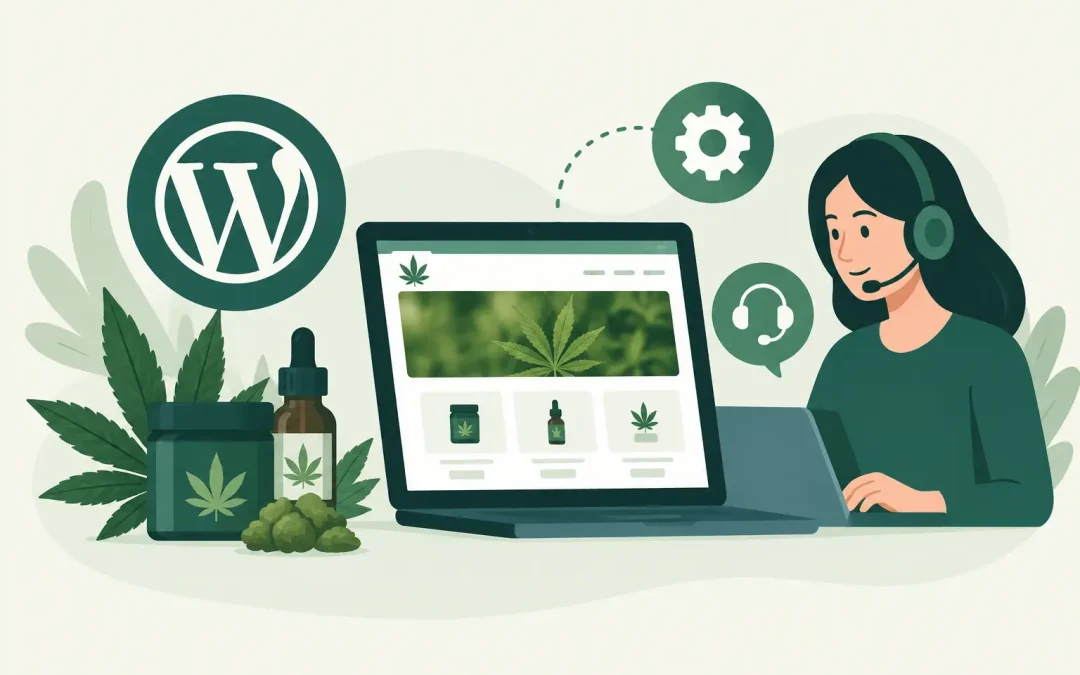
A broken checkout page at 9 p.m. is not a minor website issue when customers are trying to buy CBD products, seeds, accessories, or educational materials. Neither is a blank homepage after a plugin update, a suspicious login alert, or a slow store that loses shoppers before they see your products. Reliable WordPress support gives cannabis businesses a clear path from problem to resolution, without forcing every owner to become a developer.
For a dispensary-adjacent brand, medical marijuana organization, CBD seller, or mushroom business, your website is often where customers first decide whether you are credible. It needs to load quickly, stay available, protect customer data, and remain manageable as your catalog, content, and business grow. The right support does more than answer technical questions. It helps keep routine maintenance from becoming an expensive emergency.
What WordPress Support Should Cover
WordPress is flexible because it can be expanded with themes, plugins, forms, booking tools, SEO features, and WooCommerce. That flexibility also creates moving parts. WordPress core software, PHP versions, plugins, payment settings, and your hosting environment must work together. When one piece changes, it can affect the rest of the site.
Good support begins with the basics and stays available when the situation is less basic. A useful service relationship should cover the work that prevents common problems as well as the troubleshooting required when something breaks.
For most cannabis business websites, that means help with:
- WordPress core, theme, and plugin updates performed carefully
- Automated backups and practical restoration assistance
- Security reviews, malware response, and login protection
- WooCommerce troubleshooting for stores, carts, and product pages
- Hosting, email, domain, SSL, and cPanel questions that affect the site
Not every request belongs to the same team. A host can resolve server-level errors, resource issues, SSL problems, backup restoration, and many WordPress installation concerns. A developer may be needed for a custom feature, extensive redesign, or a conflict inside heavily customized code. The best support experience is honest about that distinction and helps you identify the next right step quickly.
Updates Need Testing, Not Guesswork
A WordPress update can close a security gap or improve compatibility. It can also expose an old plugin, an outdated theme, or custom code that no longer works as expected. Clicking “update all” on a live ecommerce site without a recent backup is a gamble, especially during a promotion or busy sales period.
A safer process starts with a verified backup. Updates should be handled in a sensible order, then the important customer paths should be checked: homepage, contact forms, product pages, cart, checkout, account login, and confirmation emails. If your site accepts orders through WooCommerce, test the payment flow as well. A store can look perfect while its checkout fails quietly.
For smaller brochure sites, monthly maintenance may be enough. Stores, high-traffic blogs, and sites with many active plugins often need more frequent attention. The right schedule depends on how often you publish, sell, update inventory, and rely on the website for leads.
Backups Only Matter If You Can Restore Them
Most site owners understand that backups are necessary. The harder question is whether the backup is complete, recent, and available when needed. Your WordPress files and database both matter. A backup that misses the database may not restore your orders, form submissions, settings, or recent content correctly.
Automated backups reduce risk, but restoration is where support becomes especially valuable. If a plugin update creates a fatal error, a file is deleted, or a site is compromised, you need more than a folder full of backup files. You need a clear recovery option and someone who can help determine which restore point makes sense.
Keep in mind that restoring a site can roll back newer changes. If you restore a store to yesterday’s version, orders placed since that backup may need to be reviewed. That trade-off does not make restoration a bad choice. It simply means recovery should be handled with care rather than panic.
When WordPress Support Is Most Valuable
Support is easiest to appreciate after an emergency, but it delivers the most value before one happens. A dependable team can reduce downtime, catch simple configuration mistakes, and explain what is happening in plain language.
A few situations deserve prompt attention. If your site shows a browser security warning, redirects visitors to an unfamiliar page, sends spam through a contact form, or displays a “critical error” message, do not wait for the issue to resolve itself. The same is true when a store’s checkout, product search, or transactional emails stop working.
Speed issues also deserve investigation. Slow pages can come from oversized images, too many plugins, poor theme choices, database clutter, traffic spikes, or limited hosting resources. The solution is not always to remove plugins or change themes. A support team should first identify where the slowdown is occurring. Guessing can create more problems than it solves.
Migration is another moment when experienced help matters. Moving a WordPress site to a host that openly serves cannabis-related businesses should not mean rebuilding everything from scratch. A proper migration includes files, databases, configuration settings, SSL, domain records, and testing after the move. It is also a good time to review PHP compatibility, backups, security settings, and outdated plugins.
WordPress Support for Cannabis Websites Has Different Stakes
Cannabis-related businesses need providers that understand their category and are willing to serve it. A general hosting company may offer plenty of technical features yet create uncertainty when it comes to cannabis, CBD, seeds, or mushroom-related content and commerce. That uncertainty is not helpful when your website is central to your business.
Your support provider does not replace legal counsel or compliance specialists. You are still responsible for the claims you make, the products you sell, and the rules that apply to your location and customers. However, technical support should make it easier to operate the site you have chosen to build. That includes helping you maintain secure access, reliable hosting, functional ecommerce tools, and a current WordPress installation.
For ecommerce businesses, small details affect revenue. Product variation settings, shipping rules, tax configurations, inventory notices, email delivery, coupon codes, and mobile checkout behavior can all influence whether a customer completes an order. When a technical issue appears, a responsive support path can be the difference between a short interruption and a lost weekend of sales.
Weed Hosts combines cannabis-friendly hosting with WordPress-focused assistance, so business owners can get help from a provider that understands both the technical side and the industry context. That matters whether you are launching a first site, moving an established store, or trying to keep a growing WooCommerce catalog running smoothly.
How to Choose a Support Partner
Start with availability, but look beyond a generic promise of 24/7 support. Ask how you can reach the team, what response times look like, and whether support can help with WordPress-specific concerns instead of only basic server status. Phone access can be particularly useful when an issue is urgent and explaining it through several ticket replies would slow down recovery.
Next, look at the hosting foundation. Modern PHP support, SSD storage, account isolation, malware protections, SSL options, reliable backups, and cPanel access all contribute to a healthier WordPress environment. Technical customers may want control over databases, files, DNS, and email settings. Less technical owners may prefer a team that can guide them through those tasks without talking over their heads. A good provider serves both.
Finally, be realistic about price. The cheapest plan is not always the least expensive option once downtime, emergency development work, or a difficult migration enters the picture. At the same time, small businesses should not have to pay enterprise rates for straightforward WordPress hosting and support. Look for transparent terms, a clear refund policy, and pricing you can plan around as your site grows.
Your website should not become another thing you worry about after business hours. Keep current backups, limit unnecessary plugins, use strong passwords, and choose WordPress support that answers when your business needs it. A little ongoing care gives your customers a better experience and gives you more time to focus on the work that brought you into this industry.